For designers
Project management for designers
Ember is calm, privacy-first project management built for designers. Organize design work across clients and products, protect your creative focus, and track everything without notifications, tracking, or bloat.
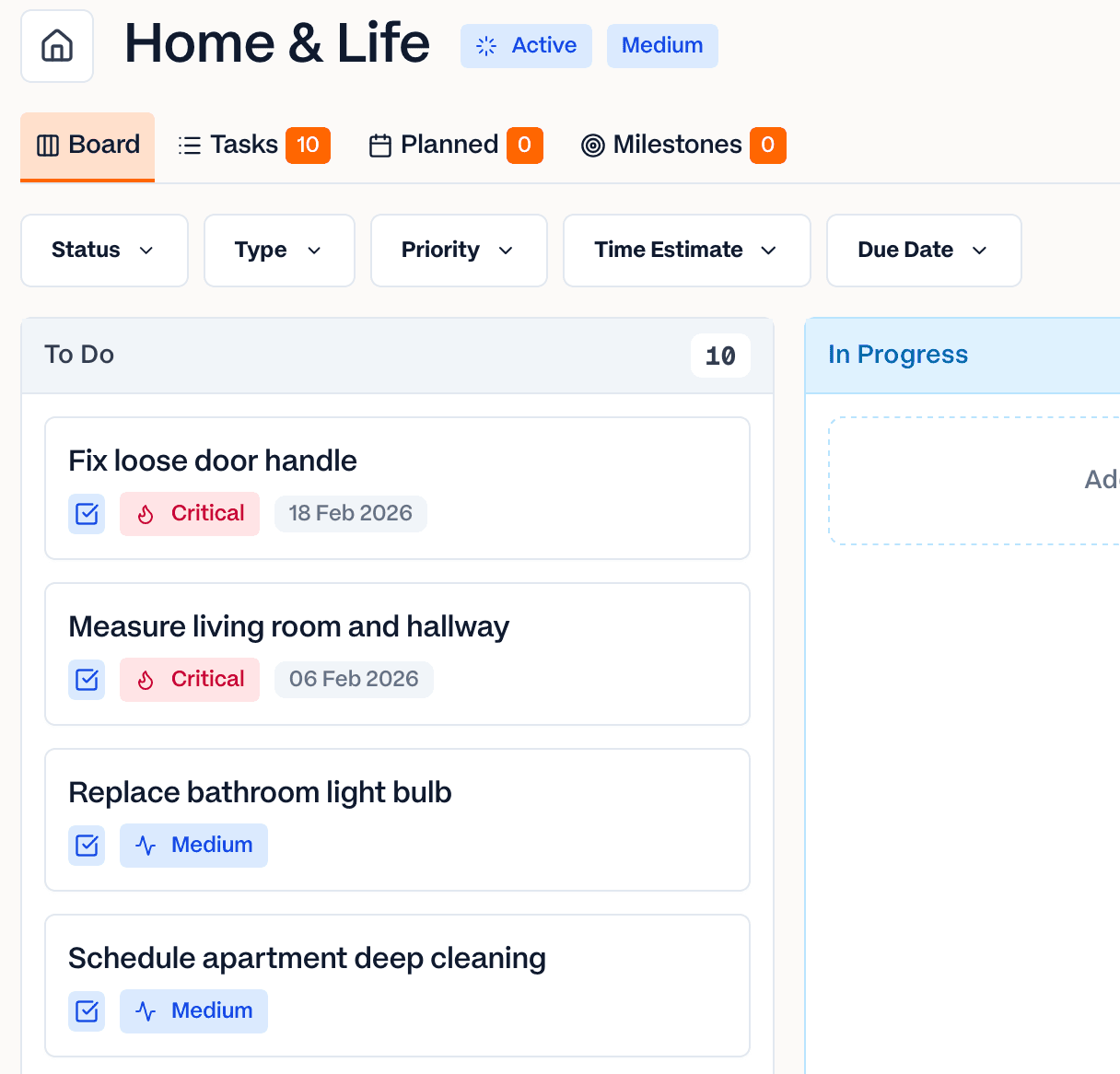
Built to keep creative work calm
Design needs uninterrupted attention. Most project tools work against that with constant pings and endless configuration. Ember takes the opposite approach.
A workspace per client or product
Keep each brand, client, or product in its own workspace, with projects for every engagement. Design work stays organized instead of scattered across boards.
Protect creative focus
No notifications, no comment threads, no @mentions pulling you out of flow. Ember is pull-based, so you check in when you're ready — not when the tool demands it.
See the shape of a project
Switch between board, list, calendar, and milestones to plan design phases — discovery, exploration, handoff — without configuring a single workflow.
Made by a designer
Ember is built by an independent UX designer who's shipped products used by millions. It's opinionated, quiet, and made to stay out of your way.
Your work and client data stay private
Ember is built in the European Union and GDPR-compliant by design. No behavioral analytics, no session recording, no ad networks, and no AI trained on your content. Export your work any time — no lock-in.
Explore everything Ember does, compare it with Notion for task management, or see the pricing. Also for freelancers, developers, and startups.
Designer questions, answered
Is Ember good for managing design projects?
Yes. Ember gives each client or product its own workspace, with board, list, calendar, and milestone views so you can plan design phases from discovery to handoff — without building a custom workflow first.
Does Ember interrupt creative focus?
No. Ember has no notifications, no inbox, no activity feed, and no comment threads. It's pull-based by design, so nothing pulls you out of deep, focused design work.
Is Ember free for solo designers?
Yes. Ember is free forever for solo use, with unlimited projects and tasks plus 2 collaborator seats. You only pay a flat €5/seat/month when you bring in more than two people.
Can I use Ember on my Mac?
Yes. Ember has native desktop apps for macOS (Apple Silicon and Intel), Windows, and Linux, plus a web app — so it fits whatever a designer works on.
How is Ember different from Notion for design work?
Ember is a focused task manager rather than an all-in-one workspace. There's nothing to configure and no notifications to mute — just a calm place to plan and finish design work.
Design calmly. Ship without the noise.
Free for solo use. No configuration required. Open it and get to work.