For freelancers
Project management for freelancers
Ember is calm, privacy-first project management built for one-person businesses. Keep every client organized, focus on what's due, and run your work without notifications, tracking, or bloat — free for solo use.
Built for one-person businesses
Most project tools are built for big teams and priced per seat. Ember is built for the way freelancers actually work: solo, across several clients, with no time to manage the tool itself.
Every client in its own workspace
Give each client a dedicated workspace, with their projects and tasks kept cleanly separate. No mixing deliverables, no hunting across one giant board.
One calm overview with Sonar
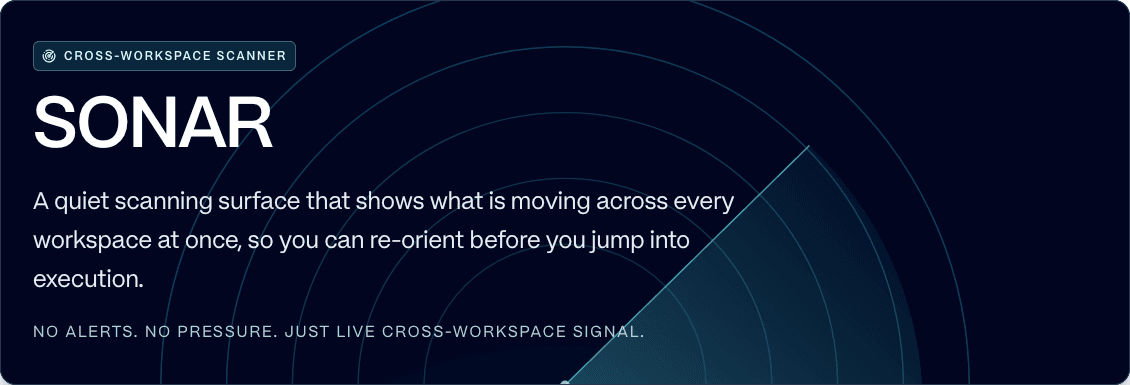
Sonar shows every workspace in a single view — what's in progress, what's next, and when work last moved — so nothing slips between clients while you're heads-down.
Know what's due, without the noise
Focus Allocation and the calendar keep your week clear. No notifications, no inbox, no activity feed pulling you out of billable, focused work.
Pricing that fits freelance income
Free forever for solo use, with unlimited projects and tasks. Flat €5/seat/month only when you bring in more than two collaborators — no per-user surprises.
Your client data stays private
When you handle other people's work, privacy isn't optional. Ember is built in the European Union and GDPR-compliant by design. There's no behavioral analytics, no session recording, no ad networks, and no AI trained on your content. You can export your data at any time — no lock-in, ever.
Want the details? See everything Ember does, compare it with Notion for task management, or check the freelance-friendly pricing. Ember also works well for designers, developers, and startups.
Freelancer questions, answered
Is Ember free for freelancers?
Yes. Ember is free forever for solo use, with unlimited projects, unlimited tasks, and 2 collaborator seats included. You only pay (a flat €5/seat/month) when you need to invite more than two people, such as a subcontractor or a client.
Can I manage multiple clients in Ember?
Yes. Each client gets its own workspace with separate projects and tasks, and Sonar gives you a single calm overview across all of them — so you always know where every client stands without juggling tabs.
Does Ember work on Mac, Windows, and Linux?
Yes. Ember has native desktop apps for macOS, Windows, and Linux, plus a web app. It opens instantly and works the same everywhere.
Is my client data private in Ember?
Yes. Ember is built in the EU and GDPR-compliant by design. There's no behavioral tracking, no ads, no selling of data, and no AI trained on your content. Your client work stays yours.
How is Ember different from Notion or Asana for freelancers?
Ember is a focused task manager, not an all-in-one workspace or a team-coordination platform. There are no notifications to mute, nothing to configure, and no per-seat costs while you work solo — just a calm place to plan and finish client work.
Run your freelance work calmly.
Free for solo use. No configuration required. Open it and get to work.